| Screenshot |
Description |
Thumbnail |
|
|
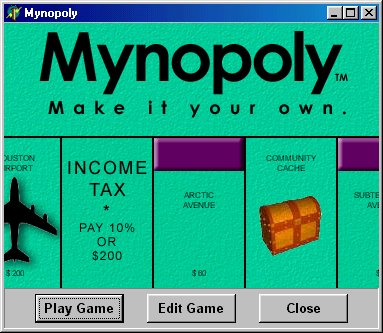
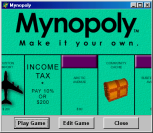
The splash screen. From here you select to either play a game or create/edit a game theme. |
 |
|
|
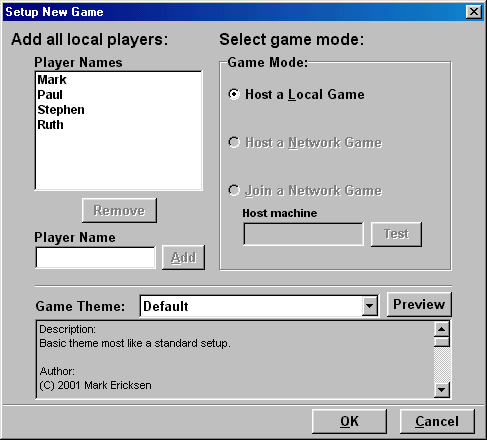
When playing a game, this screen defines how the game is to be organized. Currently
all players that will be playing are added here. Later, users will be able to join a network game. |
 |
|
|
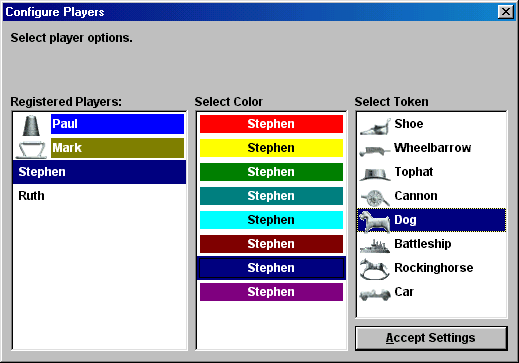
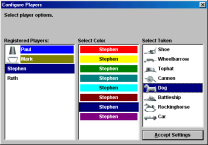
Once all the players have joined, colors and tokens are chosen. |
 |
|
|
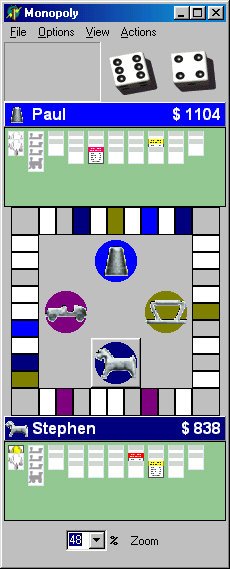
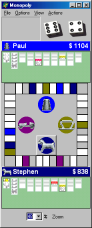
The screen that drives most of the game events. Displays player assets and
a mini-board for easy ownership viewing. |
 |
|
|
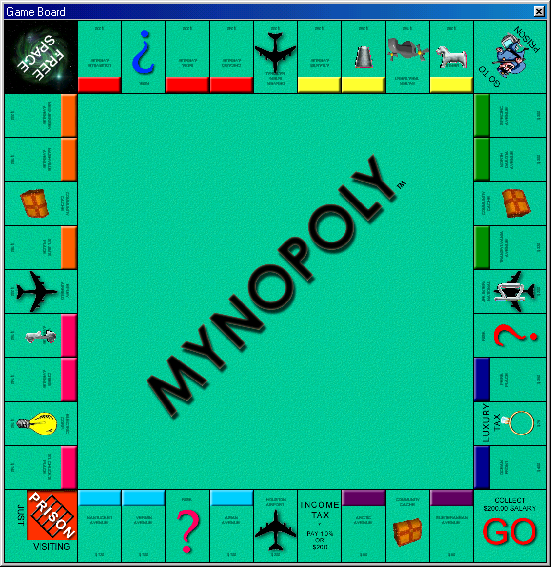
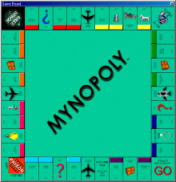
The playing board is zoomable to pre-set or custom views.
You can click a tile (or property) to view the property information. |
 |
|
|
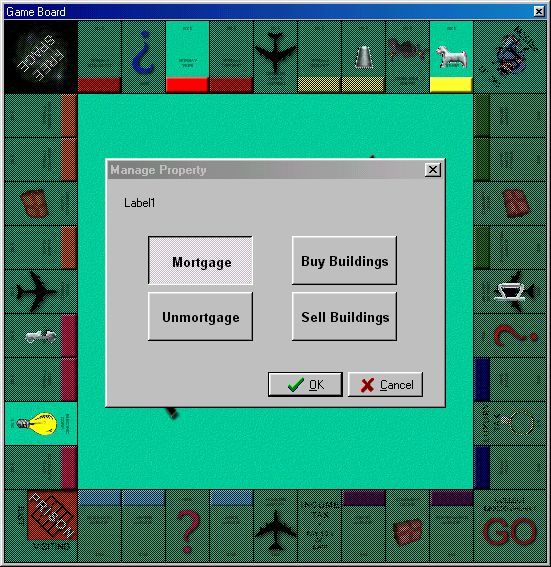
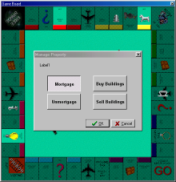
The playing board in Mortgage mode. Properties available for mortgage are
enabled. All non-applicable tiles are disabled. (Click the tile to mortgage.) |
 |
|
|
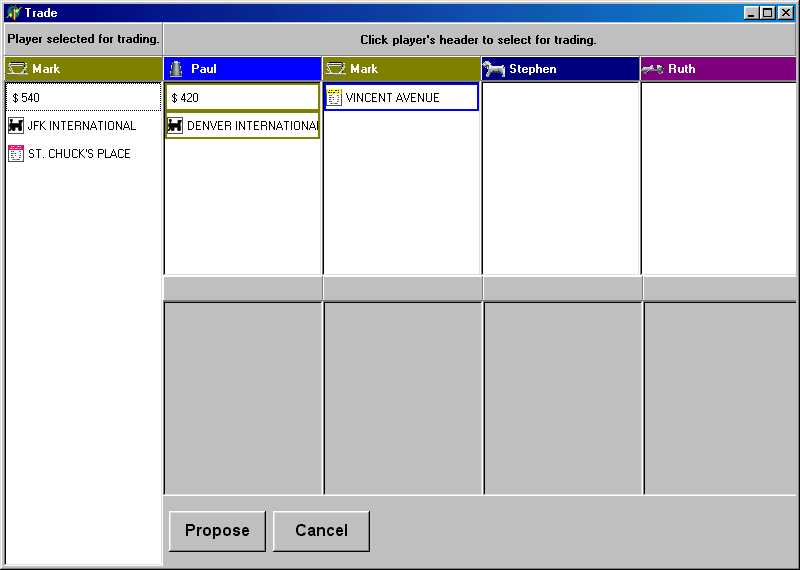
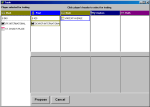
Dialog used to organize, propose, counter, accept and reject trades. Completely
mouse driven, everything is drag-n-drop. |
 |
|
|
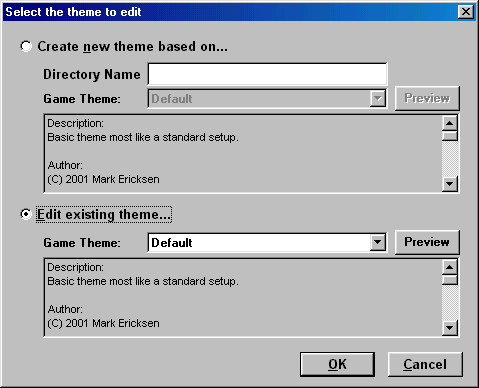
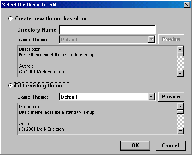
Select how to edit a theme. Create a new theme or edit an existing theme. |
 |
|
|
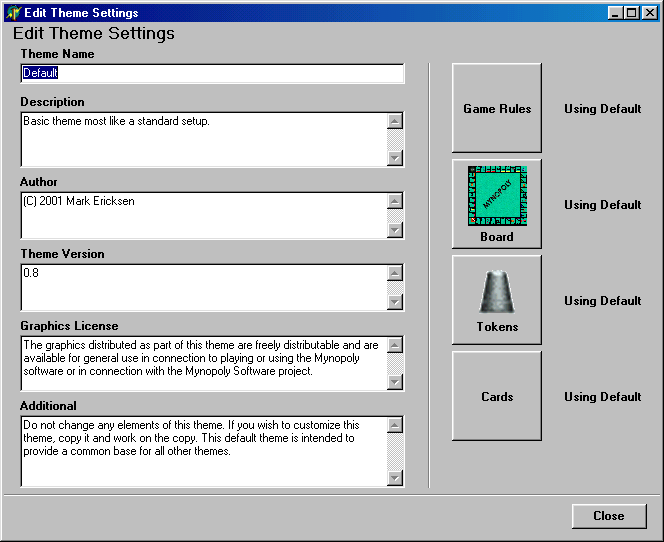
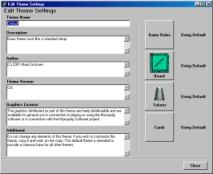
Jump-off point for editing a theme. Here edit the description and through the buttons
the other aspects can be altered. |
 |